
Table of Contents
Table of Contents
Introduction
Working with JSON data is part of everyday life for developers, data analysts, and even non-technical users who interact with APIs or structured data. But raw JSON can be messy, hard to read, and full of errors that make debugging frustrating. That’s where a JSON Viewer and Formatter come in.
A JSON Viewer and Formatter is more than just a utility—it’s a productivity booster. It helps you read JSON format online, parse JSON data instantly, and format JSON for clarity. Whether you’re building web applications, integrating APIs, or simply trying to understand a dataset, this tool saves time and reduces headaches.
In this article, we’ll explore what makes a JSON Viewer and Formatter essential, how it works, and why using an online solution is the fastest way to clean and understand your JSON data.
What is a JSON Viewer and Formatter?
A JSON Viewer and Formatter is a web-based tool that allows you to:
- View JSON data in a structured, readable format.
- Format JSON online to make it clean and properly indented.
- Parse JSON instantly to check for errors or inconsistencies.
- Read JSON format online without needing to install heavy software.
JSON (JavaScript Object Notation) is widely used because it’s lightweight and easy to transmit between systems. However, raw JSON often comes compressed or minified, making it difficult to interpret. A JSON Viewer and Formatter solves this by presenting the data in a tree-like structure with proper indentation.
Why Use a JSON Viewer and Formatter Online?
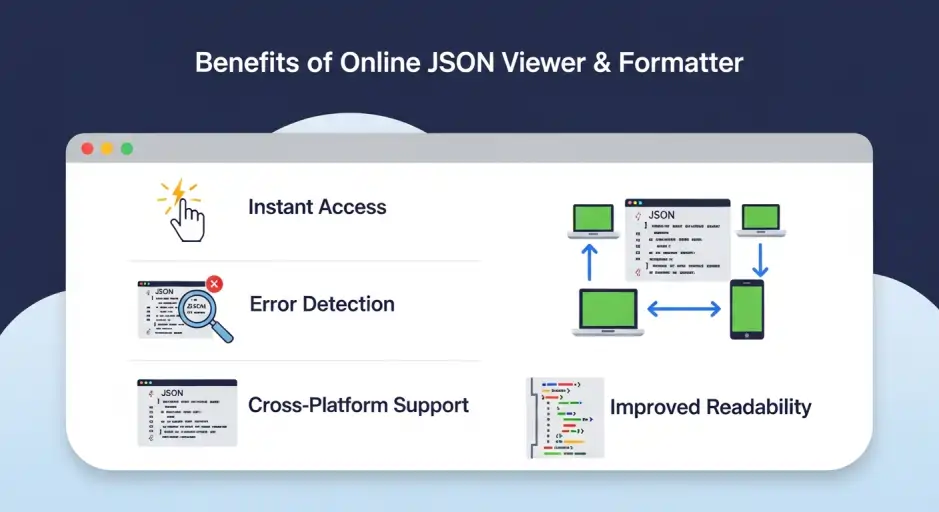
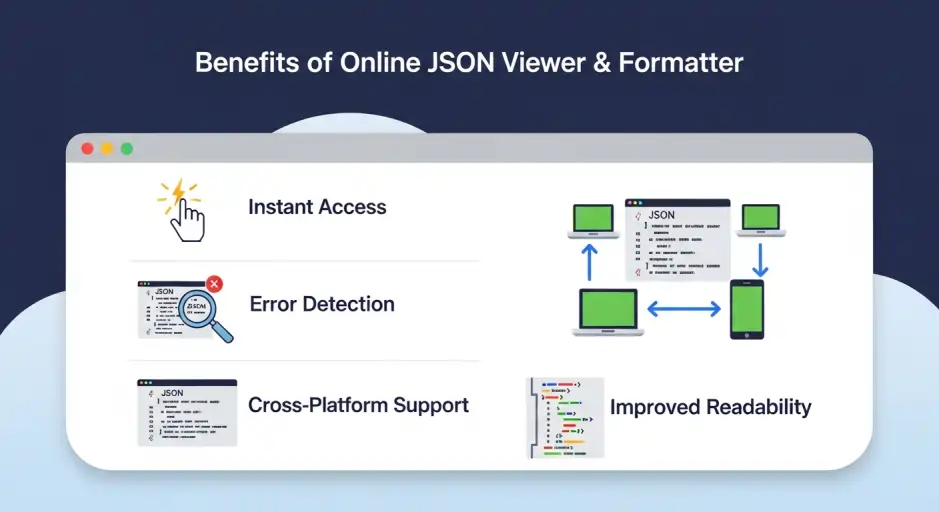
There are several reasons why developers and professionals prefer an online JSON Viewer and Formatter:
- Instant Access: No need to install software—just paste your JSON and format it instantly.
- Error Detection: Quickly identify missing commas, brackets, or syntax errors.
- Improved Readability: Proper indentation makes JSON data easier to understand.
- Cross-Platform: Works on any device with a browser.
- Free and Fast: Most online tools are free, lightweight, and optimized for speed.
By using an online JSON Viewer and Formatter, you save time and avoid the hassle of manual formatting.
Features of Our JSON Viewer and Formatter
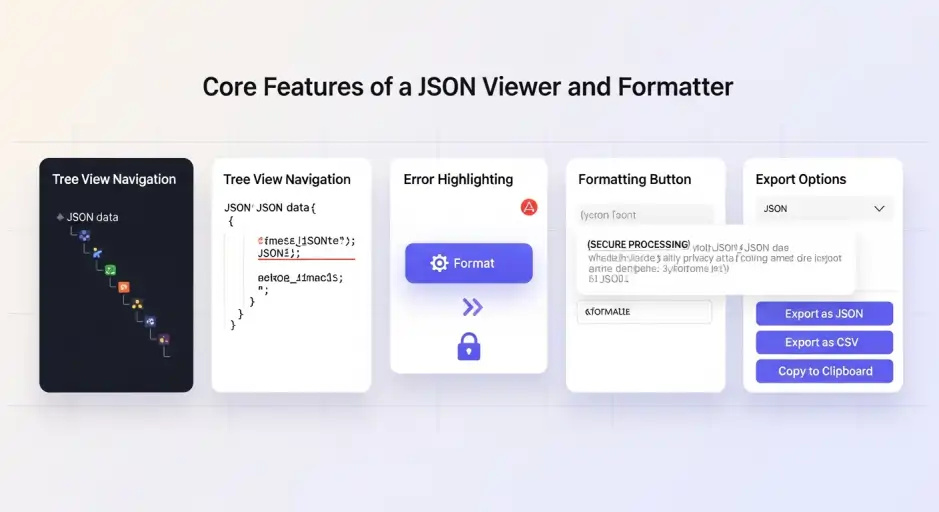
Our tool is designed with simplicity and efficiency in mind. Here’s what you can expect:
- JSON Reader and Formatter: Paste your JSON and instantly see a formatted version.
- JSON Parse and Format Online: Validate and format JSON in one click.
- Tree View Mode: Expand and collapse nodes for better navigation.
- Error Highlighting: Spot mistakes in your JSON structure immediately.
- Copy & Export Options: Copy formatted JSON or export it for use in projects.
- Secure Processing: Your data stays private—no storage or tracking.
These features make our JSON Viewer and Formatter a reliable companion for developers, students, and professionals alike.
How to Format JSON Data Online
Using a JSON Viewer and Formatter is straightforward:
- Paste JSON Data: Copy your raw JSON and paste it into the input box.
- Click Format: Hit the “Format” button to clean and indent your JSON.
- View in Tree Mode: Explore your JSON in a structured tree view.
- Copy or Export: Once satisfied, copy the formatted JSON or export it.
This process takes seconds, making it ideal for debugging or quick checks.
If you want to try this instantly, head over to our free JSON Viewer and Formatter available in the tools section of our website. Just paste your JSON data, click format, and see the results in seconds.
Benefits of Using JSON Viewer and Formatter
1. Faster Debugging
When APIs return large JSON responses, finding errors manually is time-consuming. A JSON Viewer and Formatter highlights issues instantly.
2. Cleaner Code
Formatted JSON is easier to integrate into applications, reducing the risk of bugs.
3. Better Collaboration
Teams can share properly formatted JSON, ensuring consistency across projects.
4. Accessibility
Even non-developers can use the tool to understand JSON data without technical knowledge.
5. Productivity Boost
Instead of wasting time manually fixing indentation, you can focus on building features.
If you’re working with structured data or electrical formulas, you might also find our Reactive Power Converter Tool and Formula Guide helpful. It’s designed to simplify power calculations and complements your workflow when dealing with technical datasets.
JSON Viewer vs JSON Formatter – What’s the Difference?
While the terms are often used interchangeably, there’s a subtle difference:
- JSON Viewer: Displays JSON in a structured, readable format (often tree view).
- JSON Formatter: Cleans and indents JSON for better readability.
Our tool combines both, making it a JSON Viewer and Formatter that covers all use cases.
Use Cases for JSON Viewer and Formatter
- Web Development: Debugging API responses.
- Data Analysis: Viewing structured datasets.
- Education: Teaching students how JSON works.
- Software Testing: Validating JSON outputs from applications.
- Business Applications: Reading JSON exports from tools like CRM or ERP systems.
Keyword-Optimized Sections
To ensure this article ranks well, we’ve integrated secondary keywords naturally:
- json reader and formatter → Used in the features section.
- json parse and format online → Highlighted in how-to section.
- json parser formatter online → Mentioned in benefits.
- parse json formatter online → Used in use cases.
- Read JSON format online → Integrated in the introduction.
- How to format JSON data online → Dedicated section for tutorial-style content.
This keyword placement ensures strong SEO without sounding forced.
Conclusion
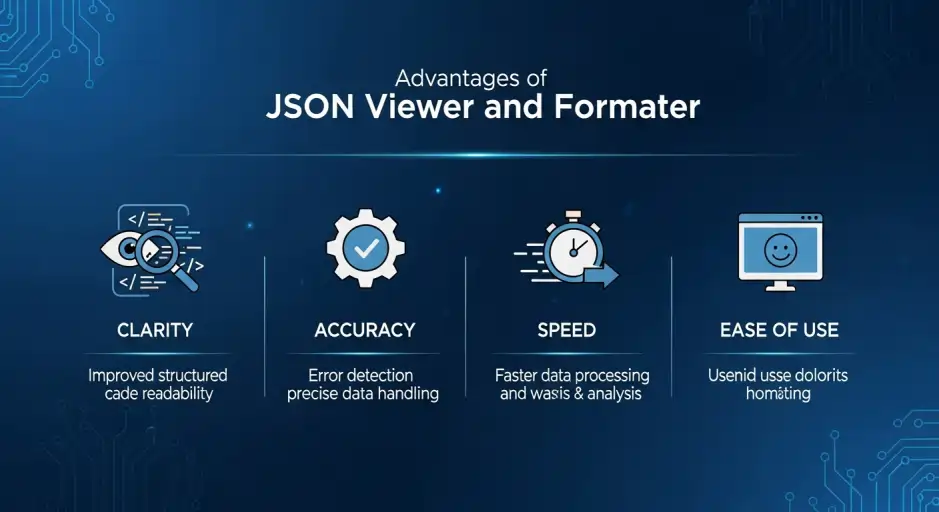
A JSON Viewer and Formatter is more than just a convenience—it’s a necessity for anyone working with JSON data. By allowing you to read, parse, and format JSON online instantly, it saves time, reduces errors, and improves collaboration.
Whether you’re a developer debugging API responses, a student learning JSON, or a professional analyzing structured data, this tool empowers you to work smarter. With features like tree view, error detection, and instant formatting, our JSON Viewer and Formatter is designed to make your workflow seamless.
Investing a few seconds to format your JSON online can save hours of frustration later. Try it today and experience the difference. Try It Now: Save time and simplify your workflow with our free JSON Viewer and Formatter available in the tools section of our website. It’s fast, secure, and designed to make JSON formatting effortless.
Frequently Asked Questions (FAQ) About JSON Viewer and Formatter
1. What is a JSON Viewer and Formatter?
A JSON Viewer and Formatter is an online tool that helps you read, parse, and format JSON data. It takes raw or minified JSON and converts it into a clean, structured format with proper indentation, making it easier to debug and understand.
2. How do I format JSON data online?
To format JSON data online, simply paste your JSON into a JSON Viewer and Formatter, click the “Format” button, and the tool will instantly clean and indent your code. This process makes your JSON readable and highlights any syntax errors.
3. Can I use a JSON reader and formatter for large files?
Yes, most modern JSON reader and formatter tools can handle large JSON files. However, performance may vary depending on your browser and system resources. For very large datasets, using a lightweight online formatter is often faster than desktop software.
4. Is it safe to use an online JSON parser formatter?
Absolutely. A reputable JSON parser formatter online tool processes your data securely in your browser without storing or sharing it. This ensures your JSON remains private while still giving you the benefits of instant formatting and validation.
5. What’s the difference between a JSON Viewer and a JSON Formatter?
A JSON Viewer displays JSON data in a structured tree view, while a JSON Formatter cleans and indents the code for readability. A combined JSON Viewer and Formatter offers both features, making it the most versatile option for developers.
6. Can I parse JSON and format it online without installing software?
Yes. With a parse JSON formatter online, you don’t need to install any software. Just open the tool in your browser, paste your JSON, and format it instantly. This makes it ideal for quick debugging and cross‑platform use.
7. Why should I read JSON format online instead of manually editing?
Manually editing JSON can lead to errors like missing commas or brackets. By using a read JSON format online tool, you ensure proper indentation and error detection, saving time and reducing mistakes.
8. Who can benefit from a JSON Viewer and Formatter?
Anyone working with JSON data can benefit—developers debugging APIs, students learning JSON, analysts reviewing datasets, or professionals exporting structured data. A JSON Viewer and Formatter makes JSON accessible to both technical and non‑technical users.


Pingback: Reactive Power Converter: Formula, Calculator & Applications